Keeping things organized
A good management structure is key to a successful project. Keeping assets, repositories, project requirements, tasks, design files and other important information easily accessible to you and the team working on implementation will keep things running smoothly and help team members new to the project to build context quickly.
Well-defined individual tasks are very important, but so is providing team members with higher-level project context helps them make better decisions as they work on the project. This context also helps strategists and managers understand the broad strokes of the project more effectively when you reach out to them for help. Everything should be documented and easy to reference at the macro and the micro scales.
📌 Making tasks
A good task has all of the information its assignee needs to complete it, in an easy-to-consume format. It contains visual reference, any existing notes on architecture or suggested approach, and a complete description of desired outcomes.
💙 Statuses
Each task should have an estimate attached before it leaves the 🧡 Requires Estimate status and an assignee attached before it enters the 💙 In progress status.
Learn more about Tangible's default statuses here
📝 Descriptions
The task description should be written as if it were explaining the task to a person with no context on the project, because sometimes it will be!
When describing particular bits of frontend UI or functionality that needs to be built, the task description should include exported or embedded screens inline from Figma.
✅ Acceptance checklists
Acceptance checklists generally contain "[User role] can [achieve goal]" statements that can be used by a PM to catch missing functionality or bugs ahead of release, and act as documentation of the required functionality for the assignee.
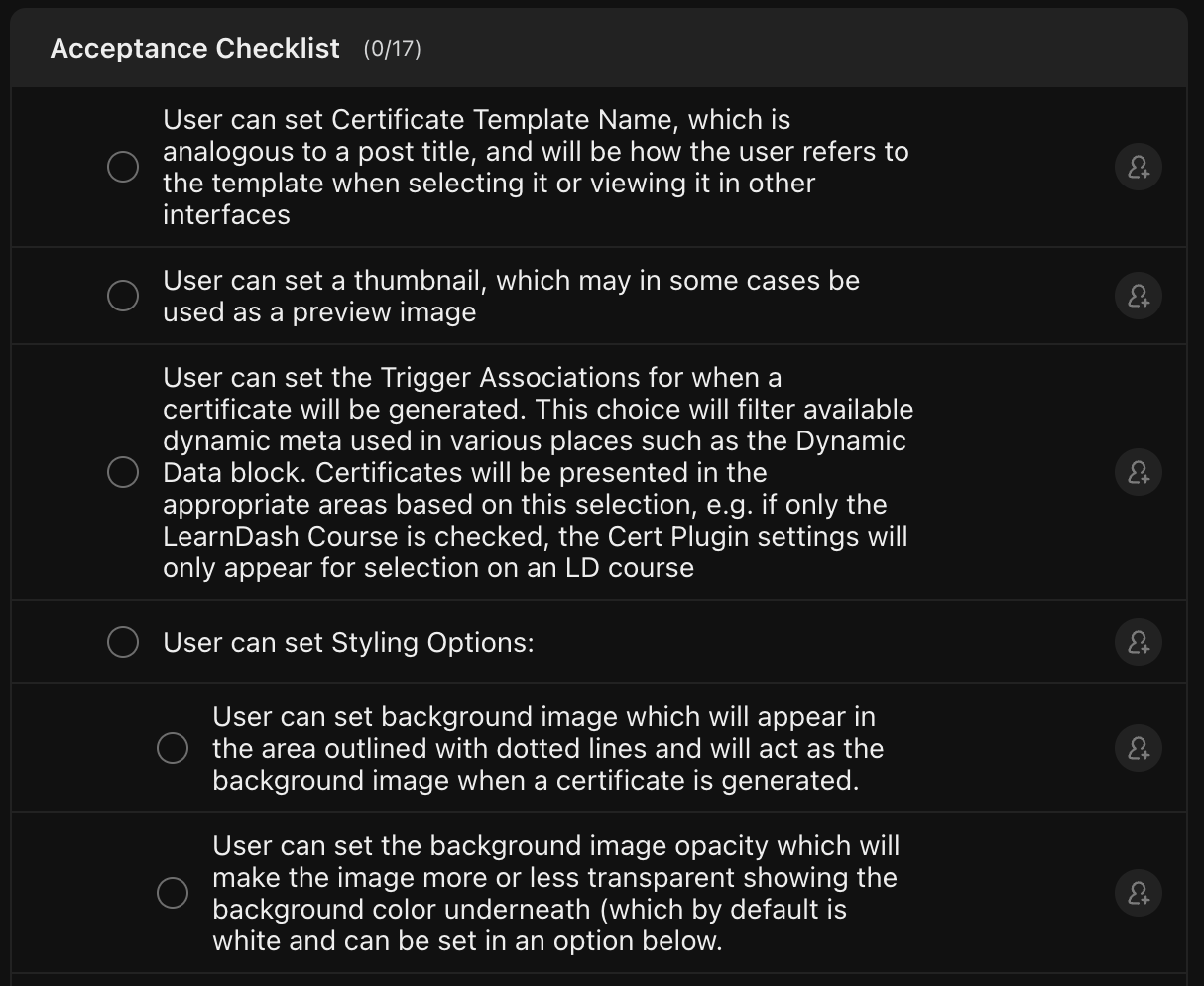 Learn more about using ClickUp checklists
💬 Making a project discussion channel
When we begin a new project for a client, we create a new channel with the #project- prefix for project-related discussion. Any websites, design files, repositories or other relevant links should be added to an "Important Links" folder in the channel for easy reference. When we've created a proposal ahead of starting the project, this should be linked here as well.
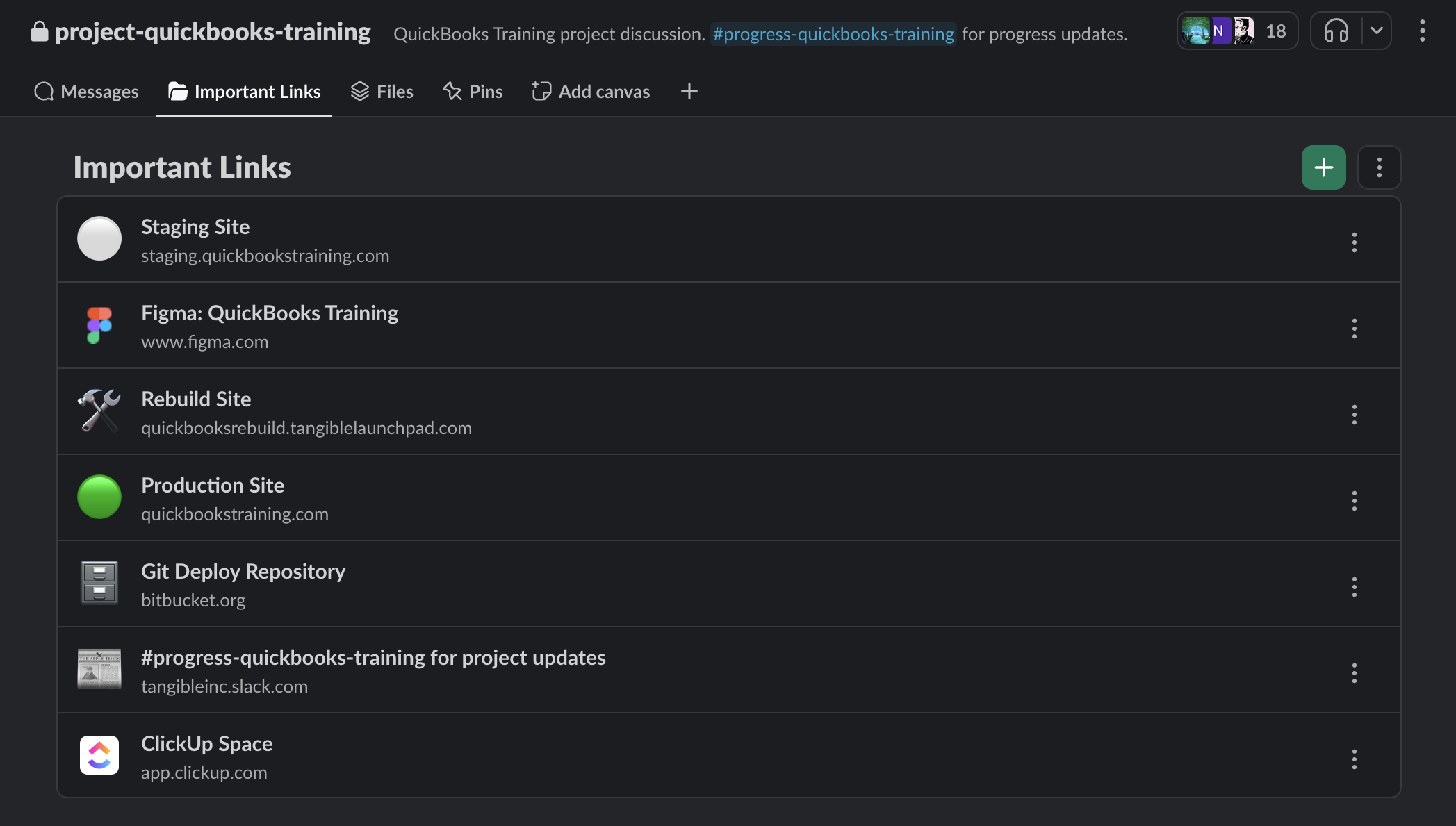
The project discussion channel should be set to 🔒 private, though important messages may be shared out to the #progress- channel associated with the client account for visibility. All strategists, implementation team members, and developers involved in the project should be added to the project discussion channel.
This organization structure hasn't been implemented across our Slack yet. It's still in testing for select projects, and may change as we discover better-optimized methods of information-sharing.
📋 Setting up ClickUp
A project deserves its own folder -> list structure in the client's ClickUp space. The folder represents the project, and lists represent whatever organization structure is helpful. A list could represent a feature, a team, a sprint, etc.
You can also configure a project overview to help your implementaton team find important resources and get a good overview of the project status.
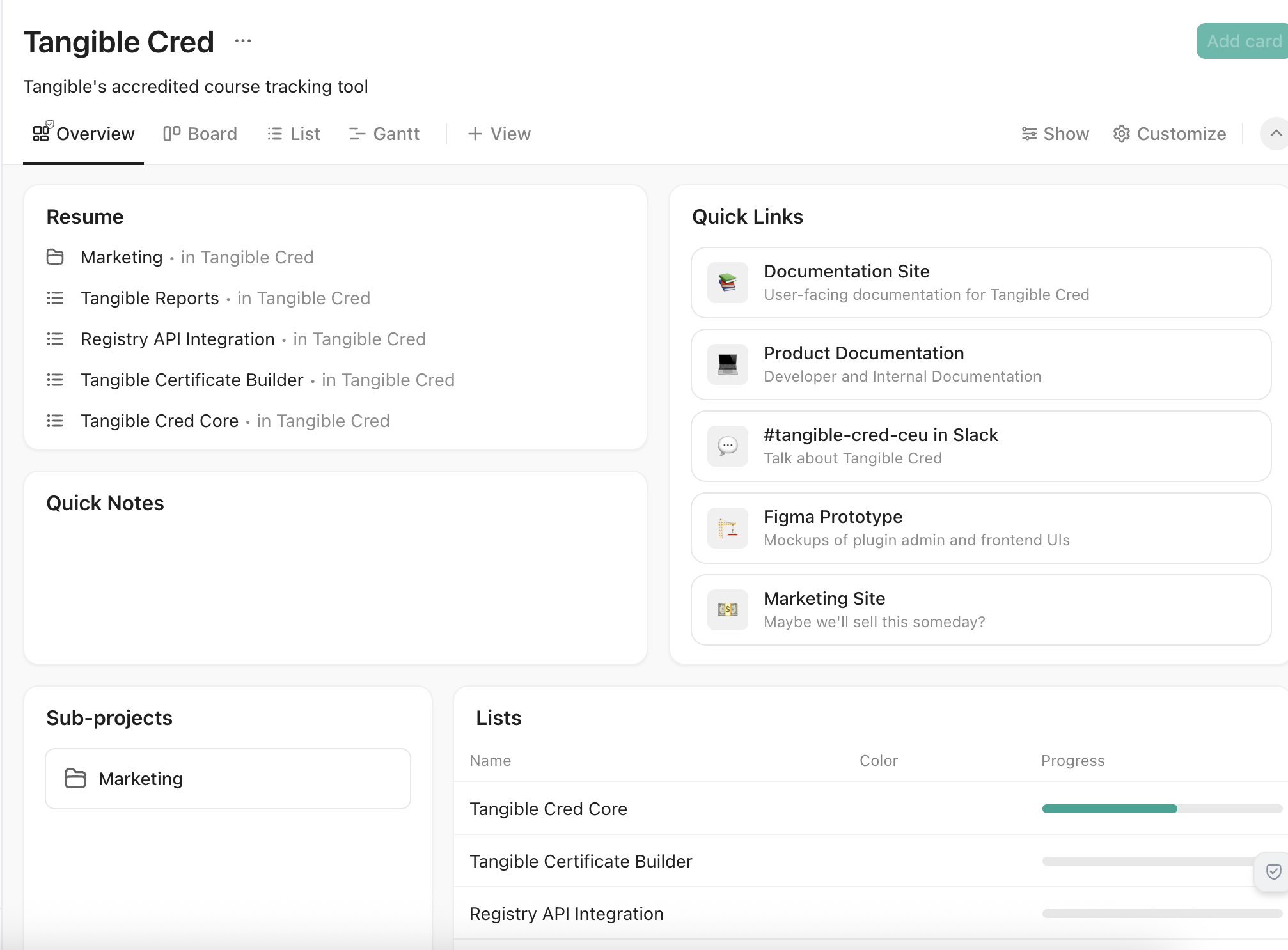
It's good practice to include the same Important Links here as in the project discussion channel for easy reference, but the specific organization of the overview page should be tailored to project needs.
🚧 Identifying milestones
Milestones are achievements on the path to completing a project that stand out or unblock other work. This could be:
- An architectural plan is completed
- The proposal is completed
- A critical feature is completed and in a state where it can be tested
- The project is ready for launch
These are expressed as ClickUp tasks with the type "Milestone". These are often used in the context of sprints, but really just provide a nice way to connect multiple related tasks.
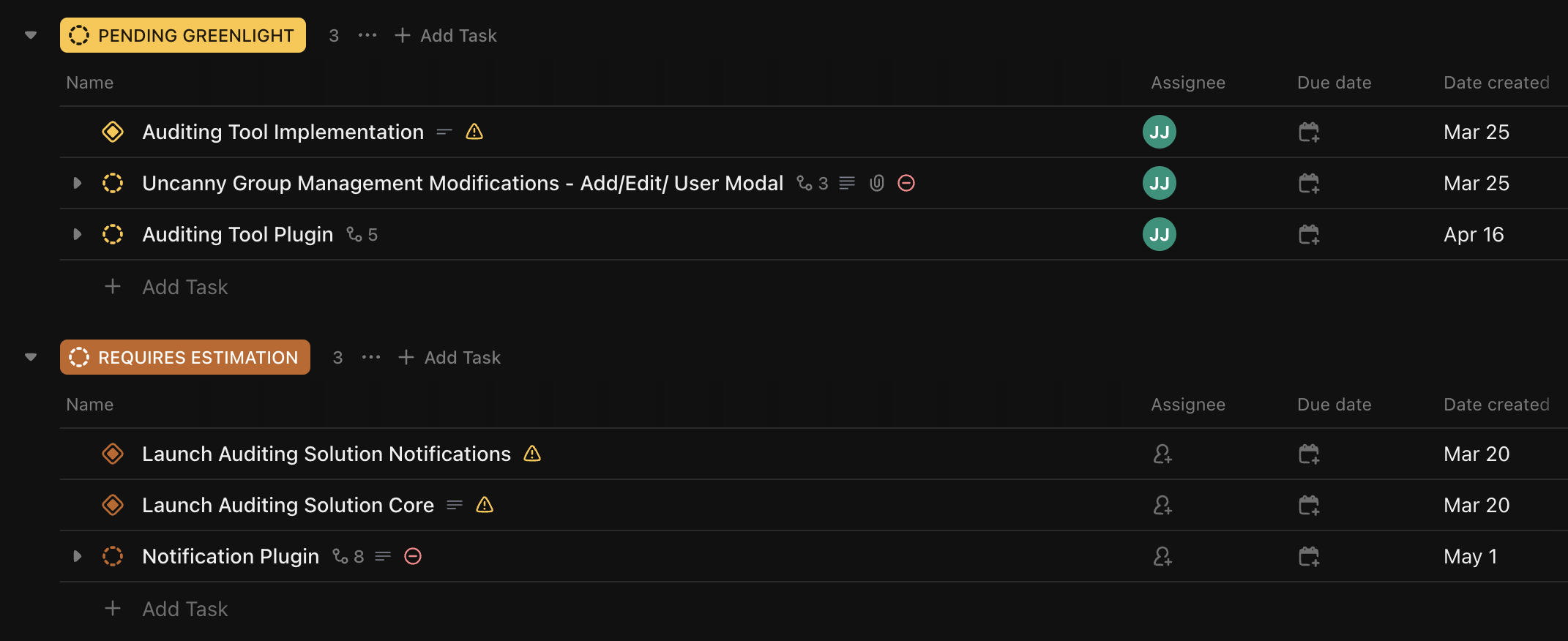 Learn more about using Milestones
Tasks that must be completed in order to achieve the milestone should be linked to it as dependencies.
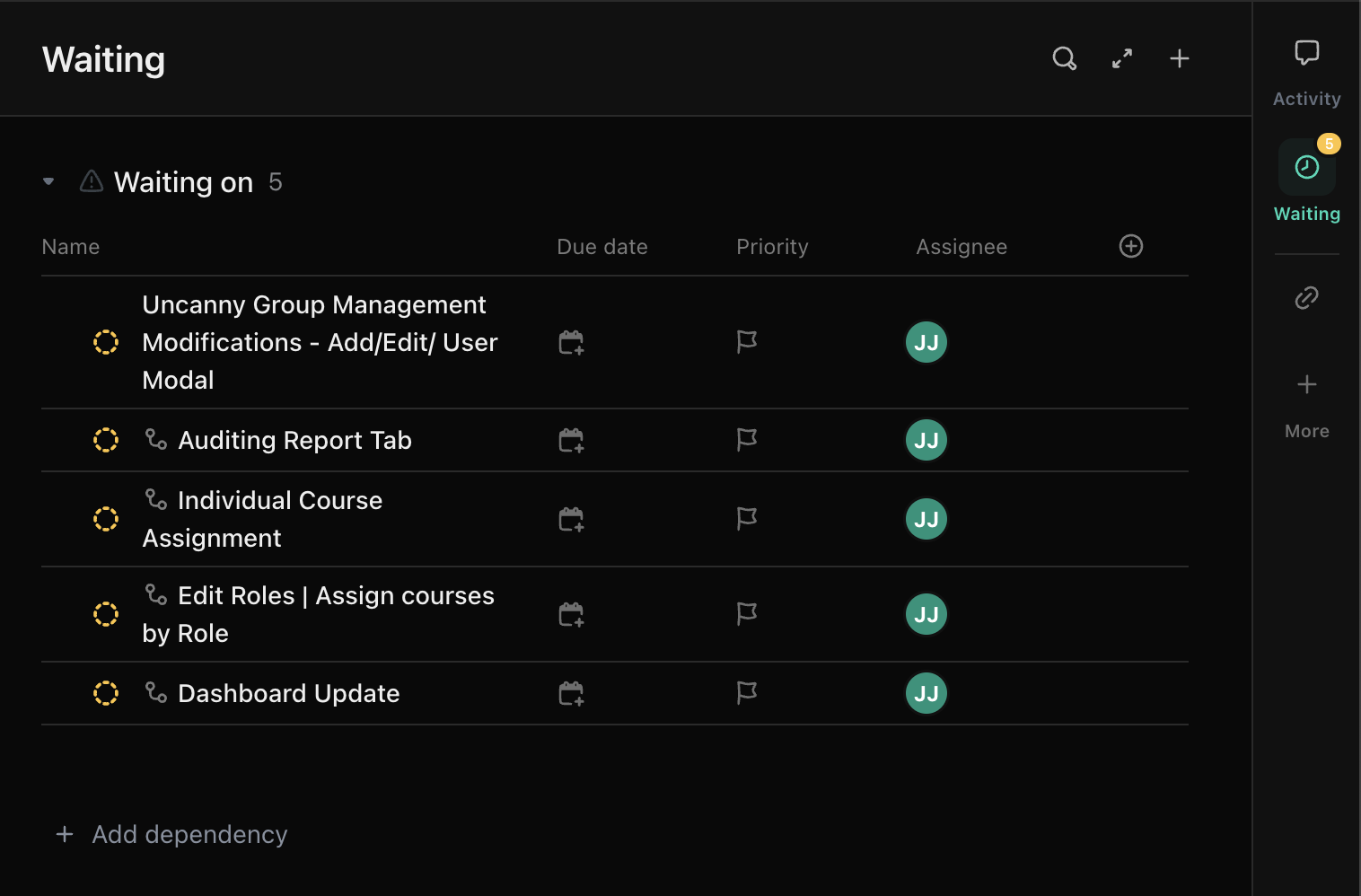 Learn more about dependency relationships
🖼️ Working with Figma
Linking to frames and sections
Creating flow starting points
Sharing prototypes
Design feedback and annotation
Figma annotations are an important tool when team members are working to implement functionality based on a design. They should be used to document interactive elements, in particular.