SEO Audits
https://docs.google.com/document/d/1niAN9uWaMmJT-hkkr3ss2Ye9S7m4CJRa11goVpEr_dU/edit?usp=sharing
General Website Audit
- Open WebSite Auditor. If the site isn't there already, add it as a new project.
- Make sure you've selected the site you want to audit in the project selector.
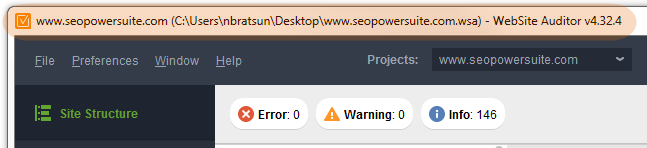
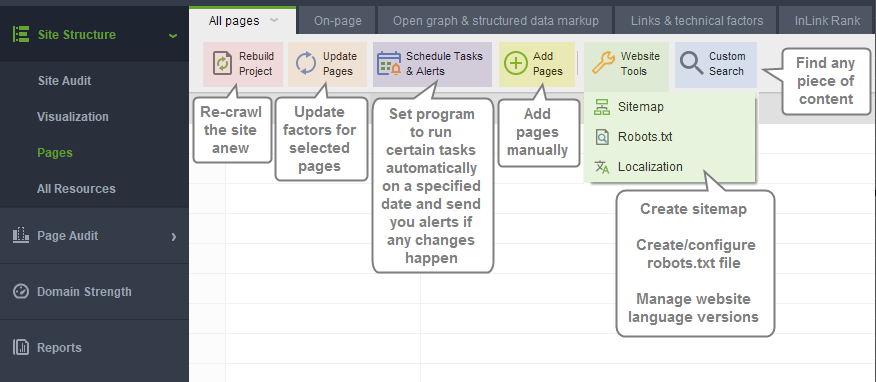
- Navigate to the Site Structure module and click "Rebuild Project" to re-crawl the site.
- In the Site Structure module, use the "Info", "Warning", and "Error" filters to filter flagged structural and content issues.
- Make a plan for resolving any flagged errors.
- Use the Site Structure > Visualization view to help you visualize redirections and find orphan pages.
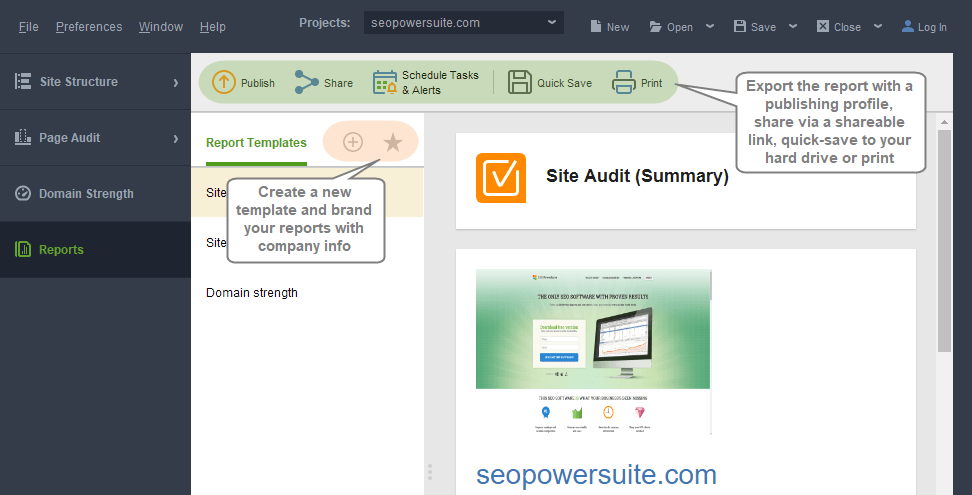
- Navigate to the Reports module and select the Team Tangible Report template to get a share-able report documenting the current state of the project.
Weekly Automation Check
A weekly Rebuild Project automation exists but has to be triggered manually, as the Amazon WorkSpaces PC restarts weekly, which closes the app.
- Go to Scheduled Task & Alerts, find the Automation Task List
- Click Weekly Rebuild and hit Run. This will Rebuild the first batch
- Click Weekly Rebuild(2) and hit Run. This will run the second batch
Batch running the rebuild helps you avoid overloading the app and crashing it. Both automations re-index and send the summaries to reports@teamtangible.com.
To get more information about the site, click Report Email and Run it. This will regenerate the Team Tangible Report with the current state of the sites and send the results to reports@teamtangible.com.
Editing each Task allows selection of projects to omit or include as well as some other settings.